Product image
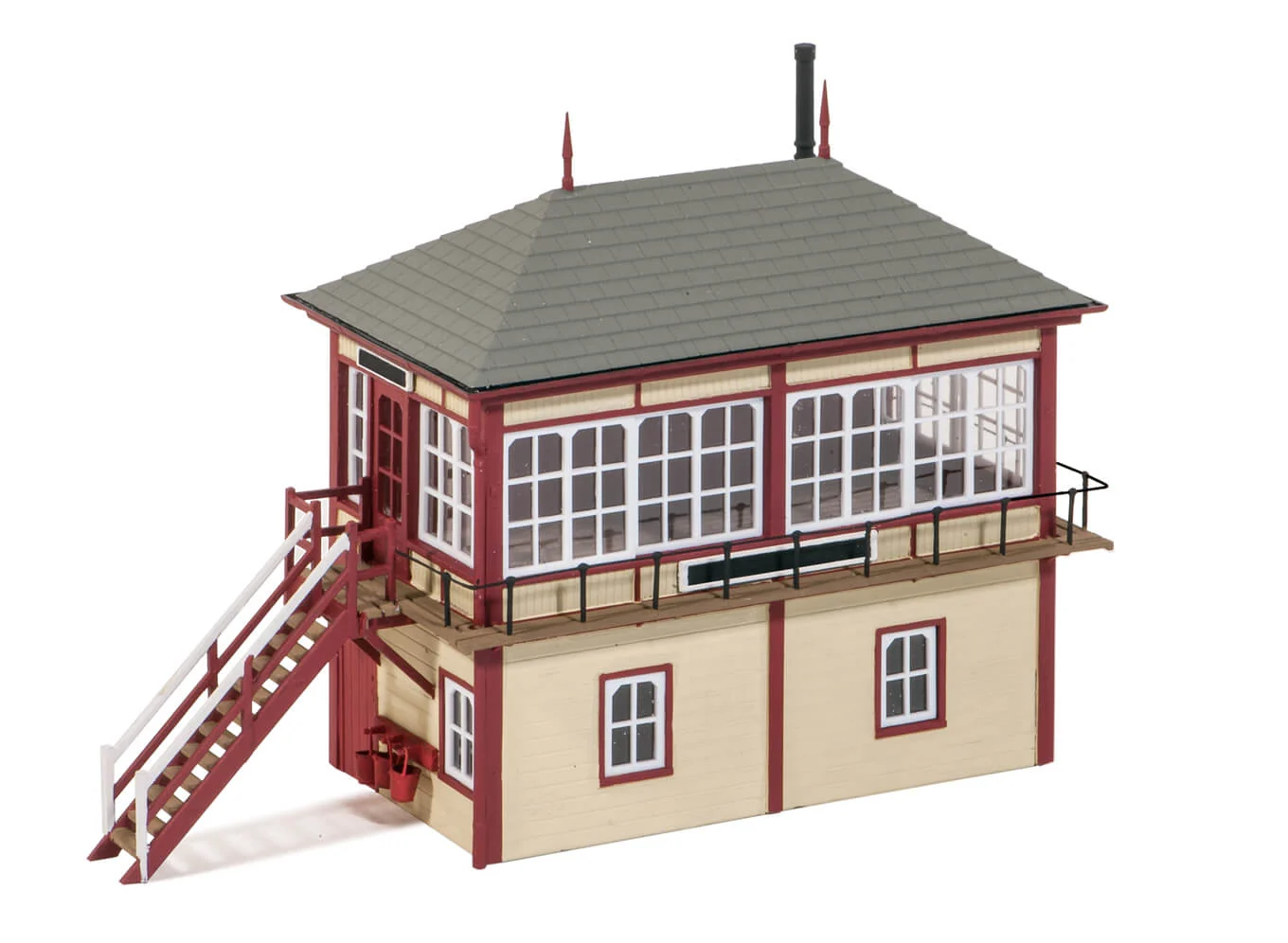
Best for first recognition, catalog browsing, and a quick visual check before deeper inspection.
VirtuKit adds embeddable Product 3D and Assembly Instructions modules for models, kits, mechanical structures, and assembly-based products. Customers can inspect the product shape, details, orientation, and setup steps without leaving the product page.
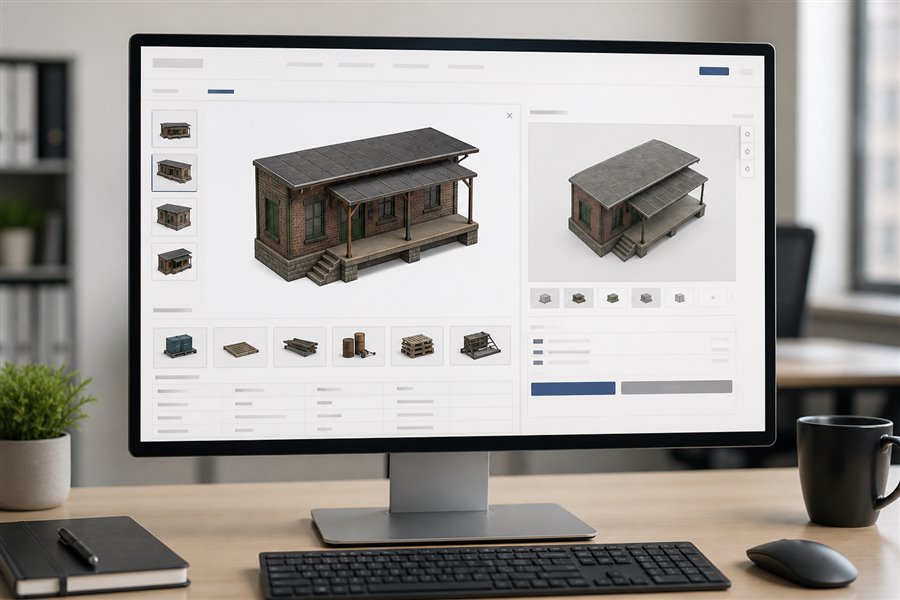
Use static imagery for immediate recognition, Product3D to explain structure, scale and part relationships, and guided assembly only when it is needed. Each layer is delivered precisely by item, allowed domain and API key.
Best for first recognition, catalog browsing, and a quick visual check before deeper inspection.
The core interactive layer for a product detail page. Customers can rotate, zoom and inspect structure, scale and key part relationships when a flat image cannot explain enough.
Loaded on demand in a standalone instruction area. The default height is 680px, and client pages can also set the area automatically through embed parameters or container sizing.
Beyond Product 3D and interactive assembly instructions, VirtuKit can reconstruct catalog-scale presentation-grade 3D assets. Clients may embed an external presentation-model system reconstructed and maintained by VirtuKit directly into an existing showcase website; or receive the presentation and interaction technology inside their own website architecture, connected to their own 3D model library and managed end to end by their team. Both paths keep web presentation assets clearly separated from the production-grade digital assets used for engineering and manufacturing.
Using client-approved images, appearance references, samples, or other non-sensitive material, we combine AI-assisted generation with human review to rebuild web-ready models across large SKU catalogs. Geometry, materials, naming, scale, and runtime performance are standardized for consistent online presentation.
The standard workflow does not require manufacturing CAD, precision tolerances, process data, or confidential internal structures. Presentation models are optimized for marketing and instructions—not manufacturing—helping clients add 3D at a more controlled cost while reducing exposure of core digital IP.
Clients can use VirtuKit as a managed service or receive a complete private deployment covering Product 3D, assembly instructions, model and product data, administration, authorization, and deployment documentation. The platform can run in the client’s own environment under its own operational control.
The same 3D platform can become a live product presentation system: configurable finishes, campaign-ready vehicle graphics, and immersive hybrid scenes for launches or showrooms.
Present a single product model in approved colors, surface finishes and texture treatments—without duplicating the underlying geometry for every variation.
Demo →Using a truck as the example, switch livery, logos and campaign graphics online on one model—ideal for brand proposals, fleet previews and co-marketing approvals. The same approach can extend to aircraft, trains, buildings and characters, with online simulation of color, sound, textures, lighting, switches and operating animations.
Demo →Place interactive GLB products inside a rich captured environment. This combines the atmosphere of a real space with the clarity and control of a digital product model.
Demo →Serving model, railway and specialist product-display brands with Product3D, interactive assembly guidance and exhibition-grade digital assets.