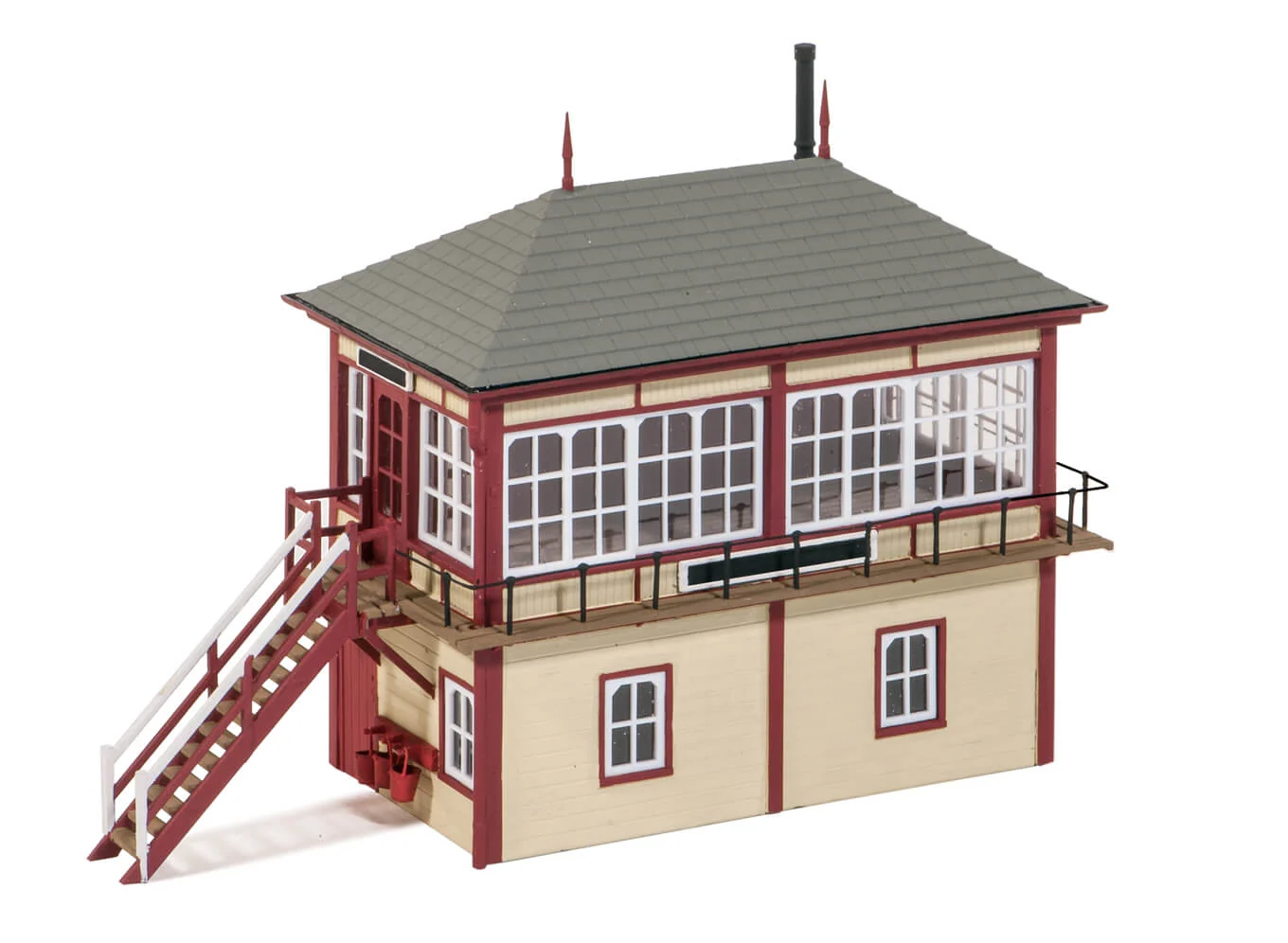
Product image
Best for first recognition, catalog browsing, and a quick visual check before deeper inspection.
VirtuKit adds embeddable Product 3D and Assembly Instructions modules for models, kits, mechanical structures, and assembly-based products. Customers can inspect the product shape, details, orientation, and setup steps without leaving the product page.
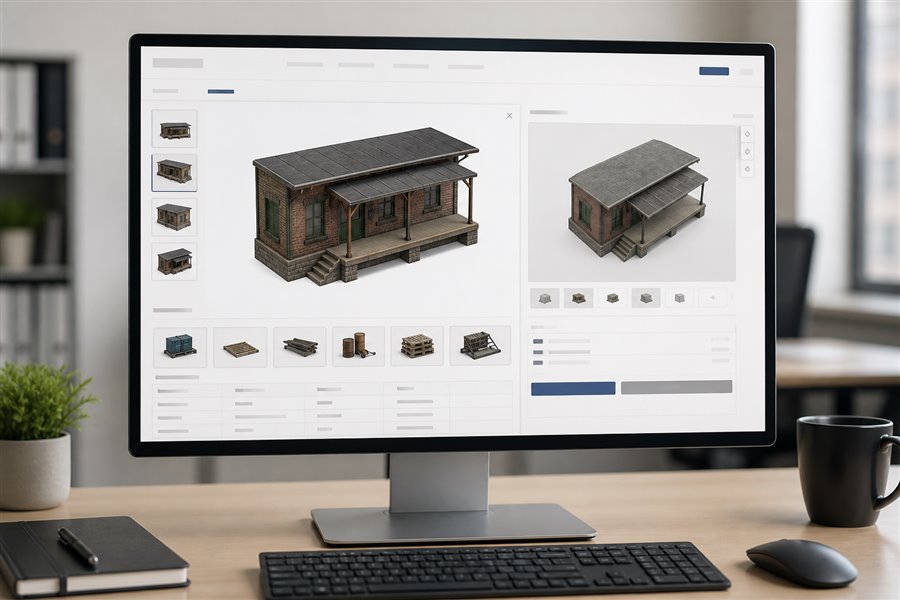
Customers first confirm the product visually, then inspect structure and scale in Product3D. Assembly Instructions open in a separate large area only when needed.
Best for first recognition, catalog browsing, and a quick visual check before deeper inspection.
The primary interactive layer for product detail pages, helping customers understand shape and structure before purchase.
Loaded on demand in a standalone instruction area. The default height is 680px, and client pages can also set the area automatically through embed parameters or container sizing.
Static images are useful for appearance. Interactive 3D helps explain structure, scale, and part relationships. VirtuKit can be placed on product cards, detail pages, instruction pages, and after-sales support pages.
Customers can rotate, zoom, and inspect product details, reducing confusion when a flat image is not enough.
The same embed framework can load guided assembly content, combining steps, parts, and camera views in the customer page.
Display is controlled by client code, API Key, product item number, and allowed origin. Unauthorized modules stay hidden by default.
The launch is split clearly: VirtuKit prepares models, authorization, module settings, and the embed snippet; the client confirms page placement, allowed domains, and adds the script to their product template.
This page can be used as the current DigitalOcean test homepage to show potential clients how VirtuKit could appear inside their own ecommerce experience.
Add 3D after images, price, or specifications so customers can understand form and scale before purchase.
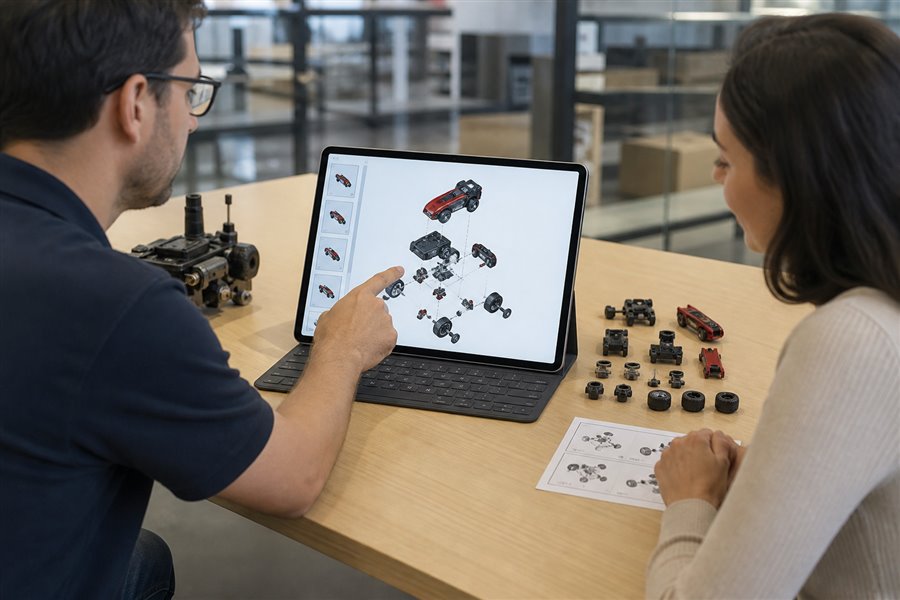
Upgrade PDFs or static images into guided interactive steps to reduce support questions and installation errors.
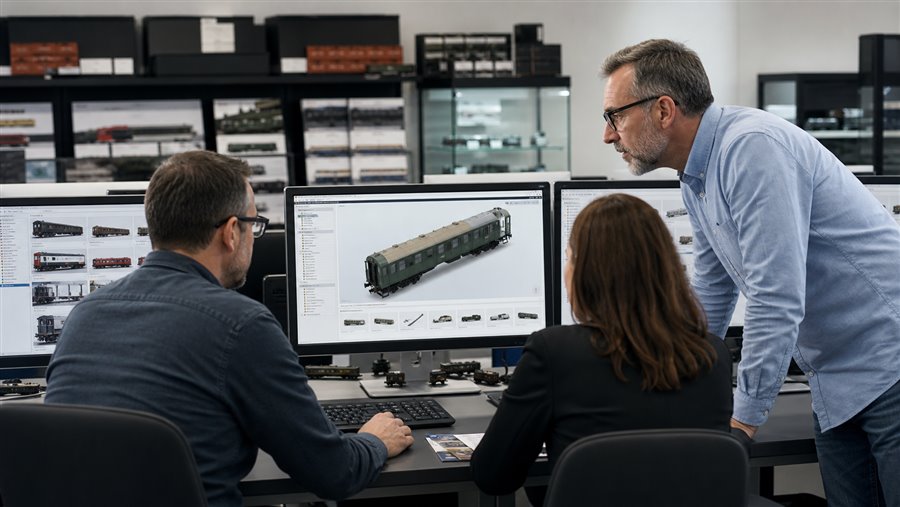
The same model service can be authorized for different client domains with customer-specific keys and product access.

Launch a test page before full release so sales teams, partners, and customers can understand the product quickly.
This page now includes the live Product3D embed and keeps assembly instructions on demand. The same script pattern can be reused for different client domains, product items, and enabled modules.